🖼️ Travel octopusimg/kind-places.jpg
Places to go
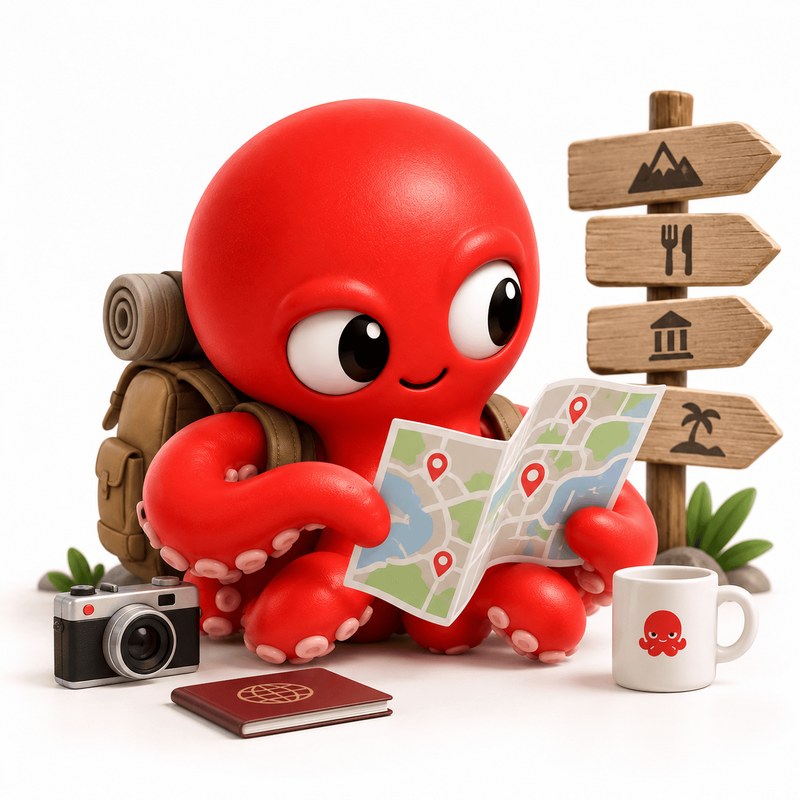
Save a restaurant or a spot on a map. You get the address, the opening hours and the reviews.
 For iPhone and Mac
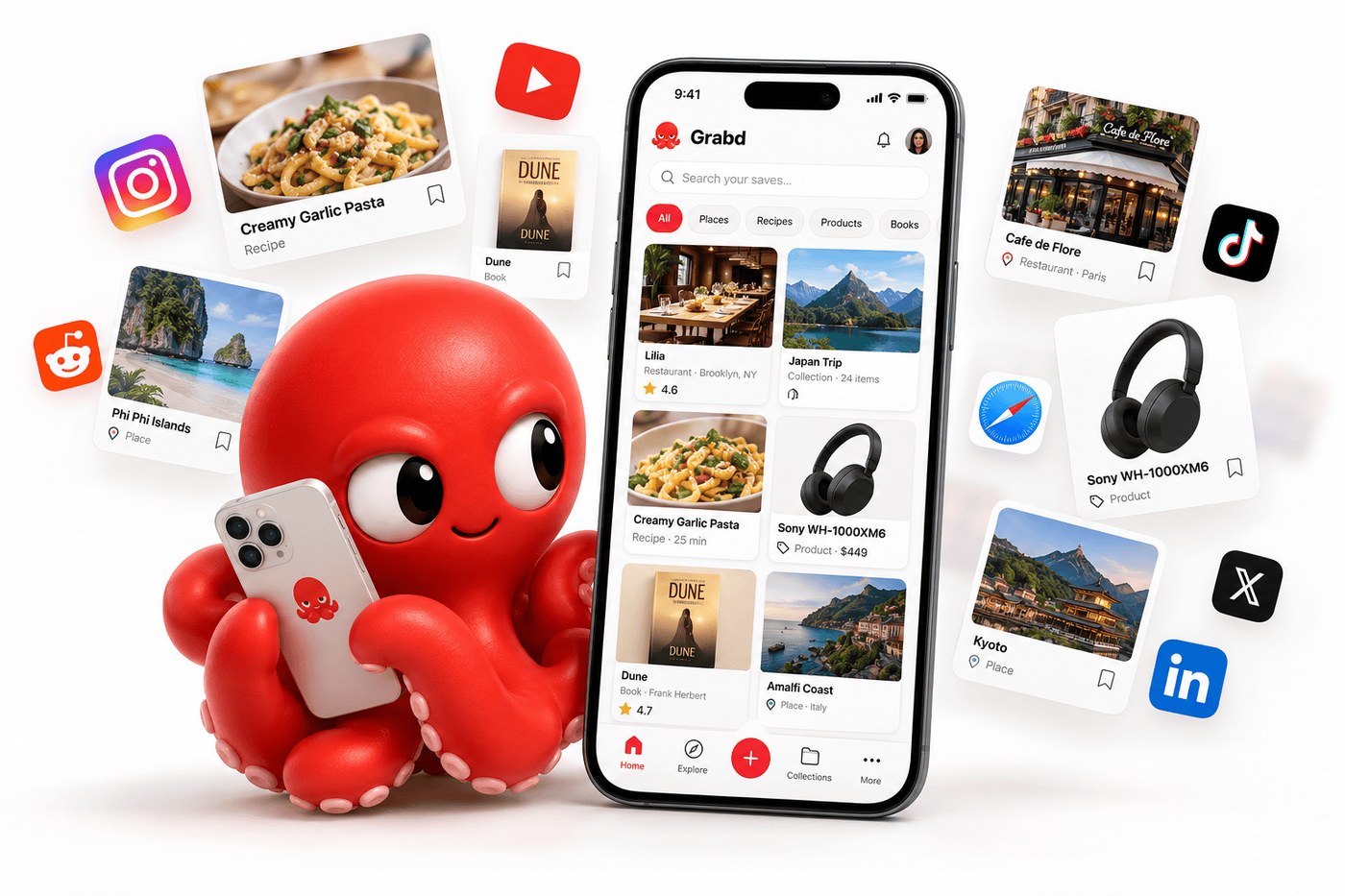
Send Grabd a link, a screenshot, a photo or a voice note. It works out what the thing is, gives it a name, and fills in the details you'd want. So when you look for it later, it's there.
Free to start. No ads. Needs iOS 26 or later.
🖼️ Hero image goes hereimg/hero.jpg
You don't have to tag anything, name anything, or tidy anything up.
Use the share button in any app. Or paste a link. Or take a photo. Or just say it out loud.
It works out what kind of thing you saved, names it, and adds the useful bits — like an address, or a price.
Search for it in your own words. It's on your phone and your Mac, both.
Here's what happens when you save a restaurant someone sent you.
You save this
You get this
Restaurant
Trattoria da Enzo
🖼️ Travel octopusimg/kind-places.jpg
Save a restaurant or a spot on a map. You get the address, the opening hours and the reviews.

🖼️ Chef octopusimg/kind-recipes.jpg
Save a recipe from anywhere. You get the ingredients and the steps, laid out properly.
🖼️ Music octopusimg/kind-music.jpg
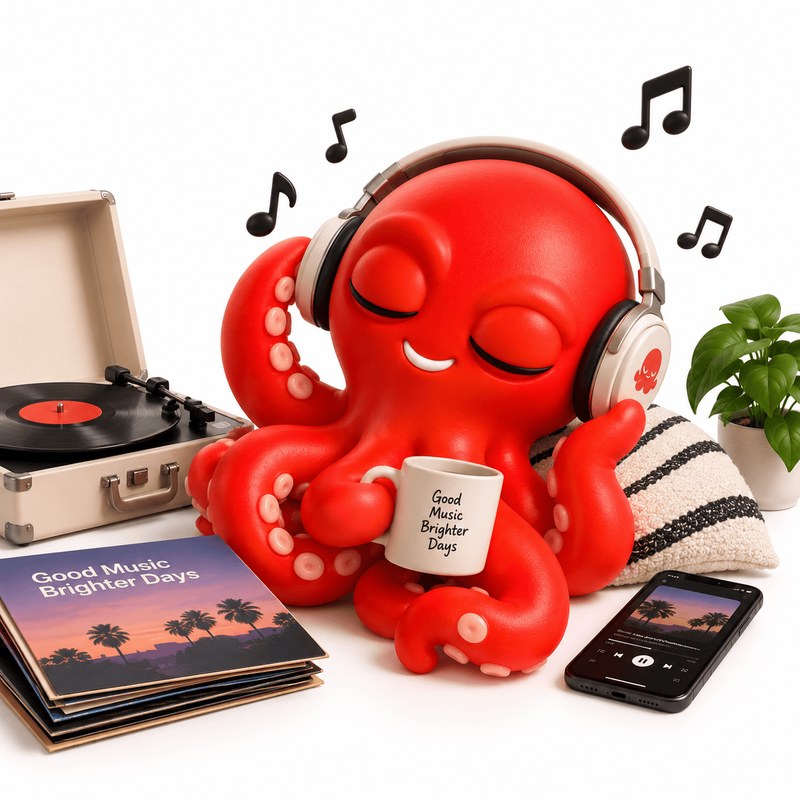
Films, shows, books, albums. You get the ratings, the cast, the author, and where to find it.
Grabd also handles
Grabd sits in the share menu you already use, so it works in every app on your phone.

🖼️ Apps & cards imageimg/sources.png
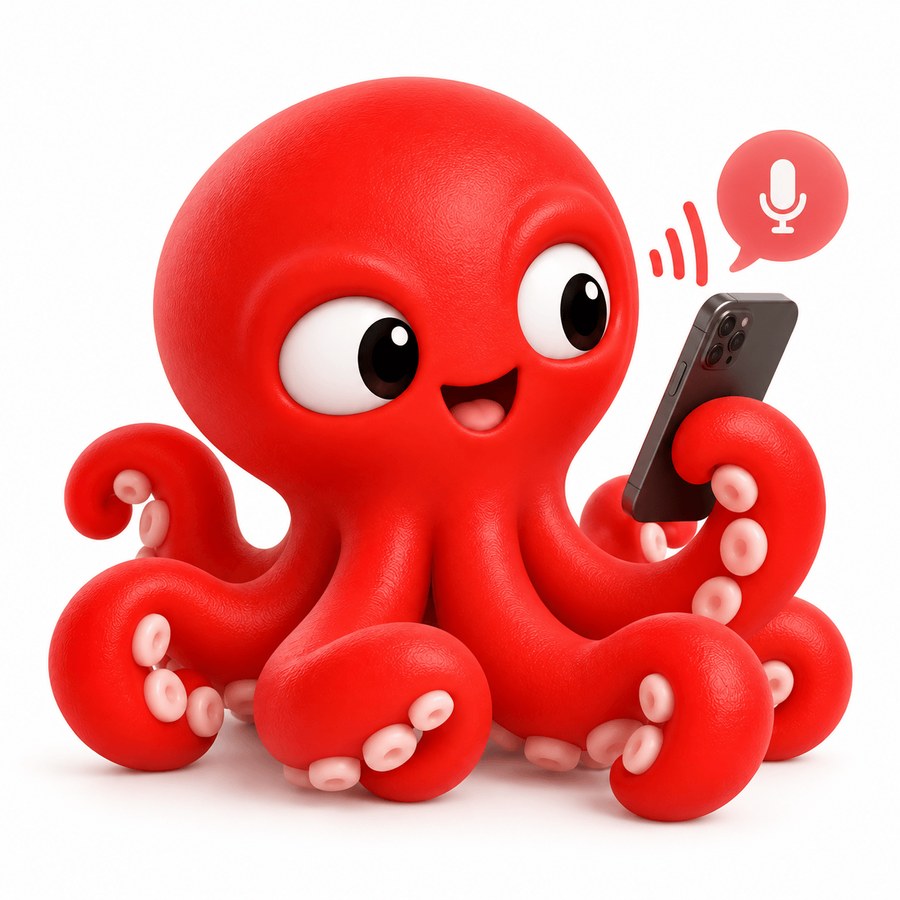
Press record and talk. Grabd writes down what you said, gives it a title, and files it — so you can search for the idea later using the words you actually used.
🖼️ Voice note screenshotimg/voice.jpg
You don't have to remember what you called something. Grabd looks through everything — names, descriptions, addresses, your notes, and what you said in your voice notes.
🖼️ Search screenshotimg/search.jpg
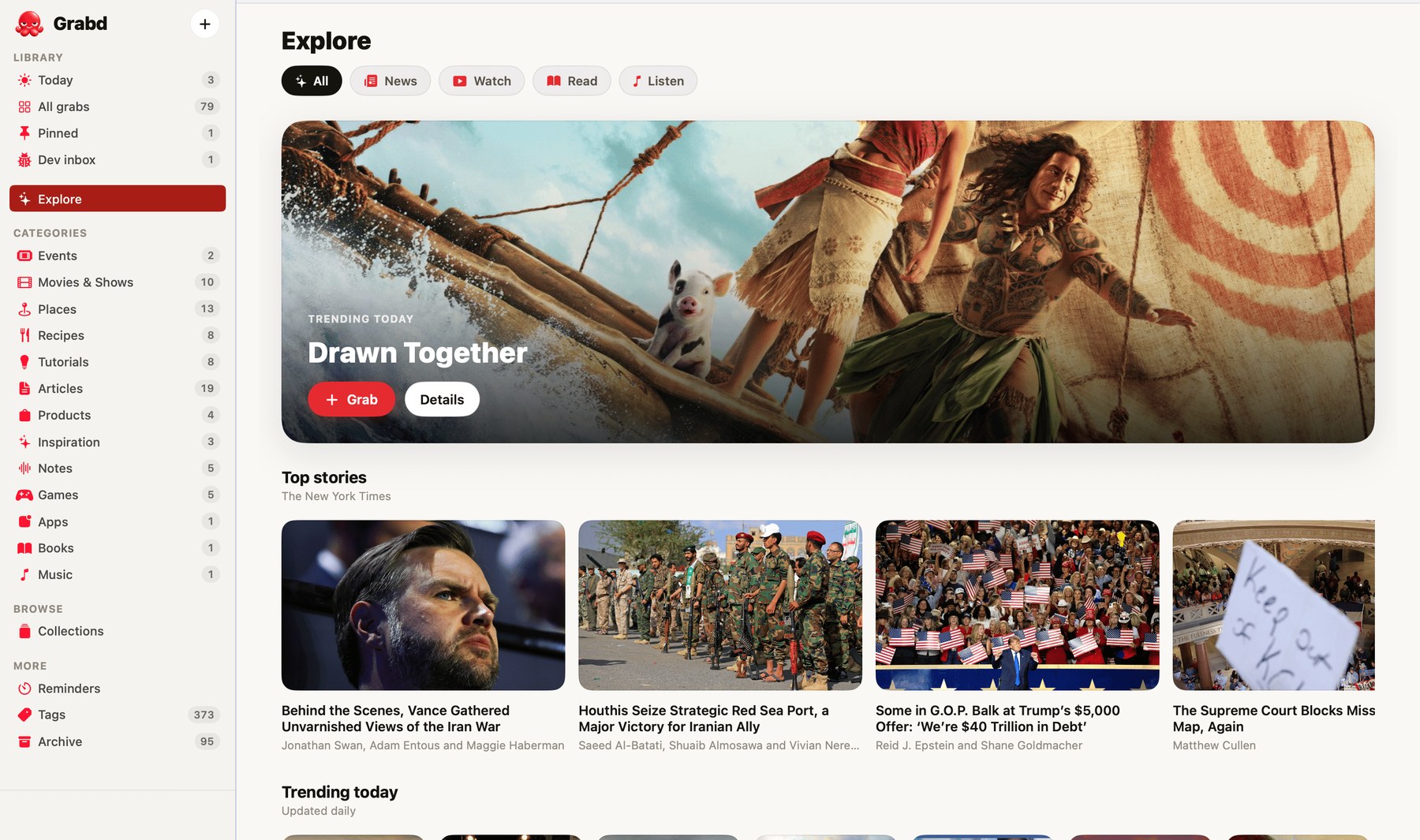
Everything you save on your phone shows up on your Mac, and the other way round. It's a proper Mac app, not a website.
🖼️ Mac screenshotimg/mac.jpg
Grabd has a mode for reporting bugs. There's nothing to install in the app you're testing.
Take a screenshot of what went wrong and say what you expected instead.
You get a proper report: the screen, what happened, and what should have happened.
Connect GitHub once. After that, any report becomes a real issue in the repo you choose.
Grabd doesn't read anything until you say it can. Before that happens, it shows you exactly what would be sent and who would see it, and asks.
If you say no, Grabd still saves and searches everything. It just doesn't read it. You can change your mind at any time.
There's no profile, and nothing you save is visible to anyone else unless you choose to share it — you can turn a single note into a page and send someone the link, and take it back down whenever you like. Your recording never goes with it. There are no ads inside Grabd, and nothing in your library is ever used for advertising.
We do advertise Grabd elsewhere, so we measure which ad brought you here. iOS asks your permission first, and saying no changes nothing about how the app works.
You can download everything you've saved, or delete all of it along with your account, from inside the app.
Grabd is free to start, on iPhone and Mac. What you save on one shows up on the other.
You'll need an account, so your things follow you between devices.